What is procedure text?
Procedure text is a text that explains or helps us how to make or use something. Its social function is to describe how something is completely done through a sequence of series. Communicative purpose of this text is to describe how something is made through a sequence of actions or steps. There are three generic structures in procedure text. The first is goals or purposes. The second is materials or tools. The third and the last are steps or methods. To know the text that we read is procedure or not is so simple. You can read the title if the title is started with ‘how to make…’ or ‘how to use…’ it can be certainly that the text is procedure text.
Definition of
Procedure Text
There are three definitions about procedure text: (1) Texts
that explain how something works or how to use instruction / operation manuals
e.g. how to use the video, the computer, the tape recorder, the photocopier,
the fax. (2) Texts that instruct how to do a particular activity e.g. recipes,
rules for games, science experiments, road safety rules. (3) Texts that deal
with human behavior, e.g how to live happily, how to succeed
Generic Structure of
Procedure Text
# Goal: (e.g: How to make spaghetti)
# Material or Ingredient: (e.g: the material to cook omelet
are egg, onion, vegetable oil, etc.)
# Step: (e.g: first, wash the tomatoes, onion, …., second
cut the onions becomes slice. . .)
Purpose of Procedure
Text
– To explain/tell (the reader) how to make/operate/do
something through a sequence of actions or steps.
– To explain steps/instruction to make/operate/do something
Language Feature of
Procedure Text:
– Use adverbial of sequence / Using temporal conjunction
(e.g: first, second, third, the last)
– Use command / imperative sentence (e.g: put the noodles on
the . . ., cut the onion. . ., wash the tomatoes. . .)
– Using adverbials (Adverbs) to express detail the time,
place, manner accurate, for example, for five minutes, 2 hours, etc.
– Using action verbs, e.g: make, take, boil, cook
– Using Simple Present Tense
Examples of Procedures Text
How to Use a Printer
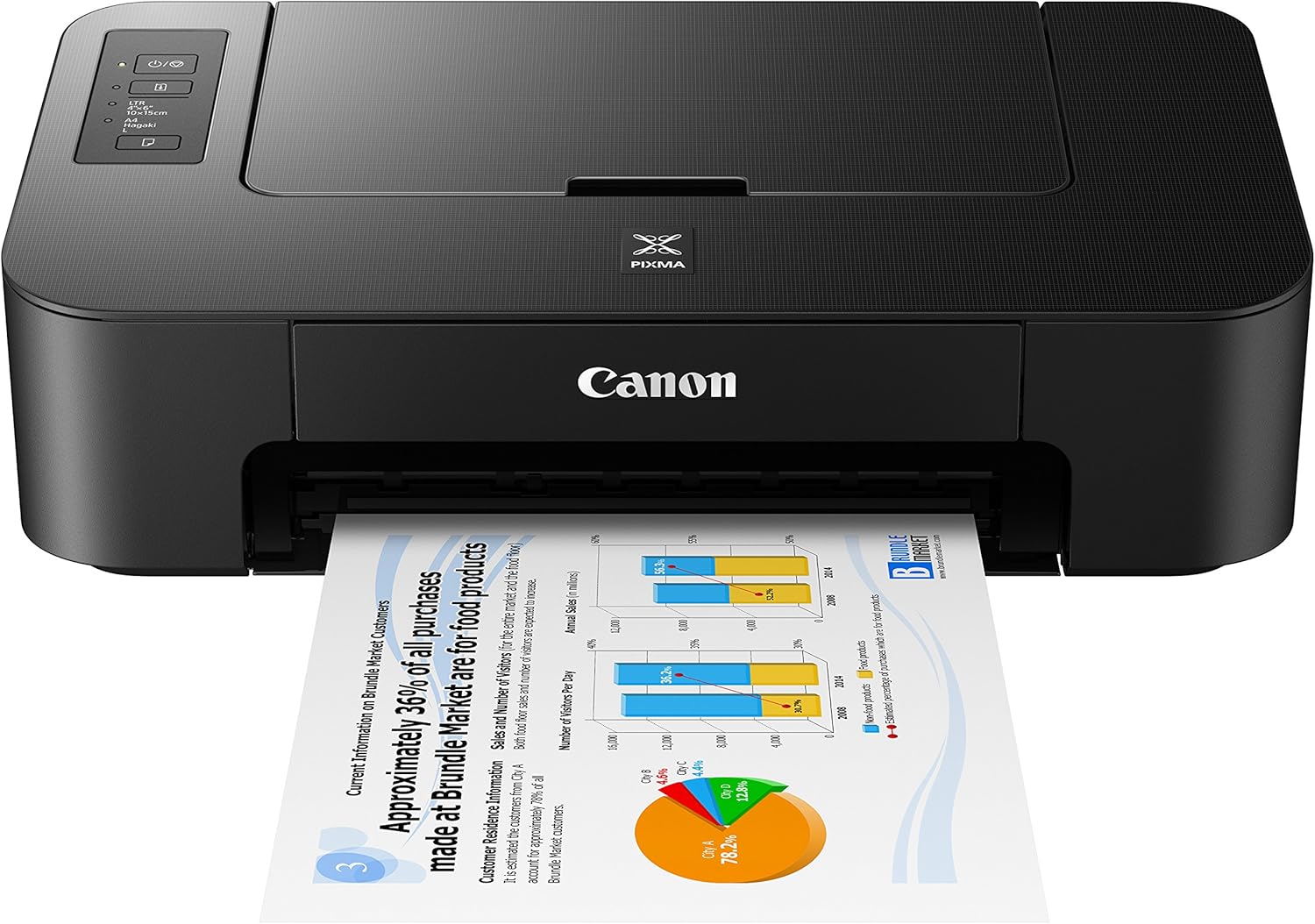
You need: Printer
Directions:
Step 1
Using a printer even basic printer is extremely easy to do. There are many different models of printers out there. You have your very basic to your all-in-one printer. The printer with everything on it works pretty much just like the regular printer you just have a lot more buttons to push
Step 2
Make sure that your printer is hooked up properly before using it. If this is a brand new printer, then it will go through a check and print out a test page for you. A lot of different times you can just turn it on, you will hear the ink moving around. Something might come up on the computer telling you that the printer is on and working properly.
Step 3
Open the page you want to print. If you are on the Internet and want to print something from there. All you have to do is go up to file, then down to page set up. This will give you more printing options to choose from. When you are done setting up the page you can verify you have the right printer hooked up by clicking on “Printer” at the bottom. Once everything looks good click on “OK” and now your page should print out.
Step 4
Open up a “.doc” file if that is where your page is that you need to print. When you are ready to print go up to “File” and “Print Setup”. Again you can choose how you want your page to look, and check and make sure the right printer is installed. If your page is set up the way you like it, you can just click on the printer icon on the tool bar or go to “File” then “Print.”
Step 5
Using a printer, a lot over time will start to wear down your ink supply. Some models of printers let you know when your ink supply is getting low. If you have an older printer, you will just have to go by what the printed page looks like. If it is very worn and faded, then it is time to install a new ink cartridge.
Komentar
Posting Komentar